




Want to know how you can save money on Adobe, Figma and Canva in India as a student? Check out the various ways in this below below!
SUMMARISE WITH:


Many design students in India begin their journey by searching for cracked versions of Adobe software. While this may seem like a quick fix, it carries significant risks. Pirated software exposes devices to malware, leads to legal complications, and often results in the loss of important portfolio files. These hidden costs frequently outweigh the benefit of avoiding a subscription fee.
Fortunately, there is a better way to access these professional tools for graphic design. Most industry software providers offer steep discounts or even free access to verified students, but these options are rarely advertised clearly. This article outlines every legitimate method for Indian design students to access Adobe, Figma, and Canva at a fraction of the cost. By following these steps, students can build their skills using authentic software without resorting to piracy.
- How Expensive Is Graphic Design Software for Indian Students?
- Adobe Creative Cloud (Complete Student Saving Guide)
- A Guide to Saving Money on Figma for Students
- Canva Pro - Multiple Free Routes for Indian Students
- Top Free and Open-Source Alternatives Worth Knowing
- The GitHub Student Developer Pack
- How to Get Adobe, Figma, and Canva Pro After Graduation?
- Mistakes to Avoid When Getting Design Software
- Frequently Asked Questions
- To Sum Up
How Expensive Is Graphic Design Software for Indian Students?
Despite the significant student discount available in India, most design students only discover these programs by accident months into their course. Graphic design software can be acquired at a massive discount or even for free if you know where to look. You simply need to leverage your status as a student and keep an eye on the various promotions running throughout the year.
Tool |
Standard India Price |
Student/Education Price |
Savings |
Adobe Creative Cloud |
Rs. 1,199/ month |
Rs. 399/ month (student plan) |
67% |
Figma Professional |
Rs. 1,500/month |
Free (Education Plan) |
100% |
Canva Pro |
Rs. 6,000/year |
Free (Canva for Education/Campus) |
100% |
Adobe Creative Cloud (Complete Student Saving Guide)
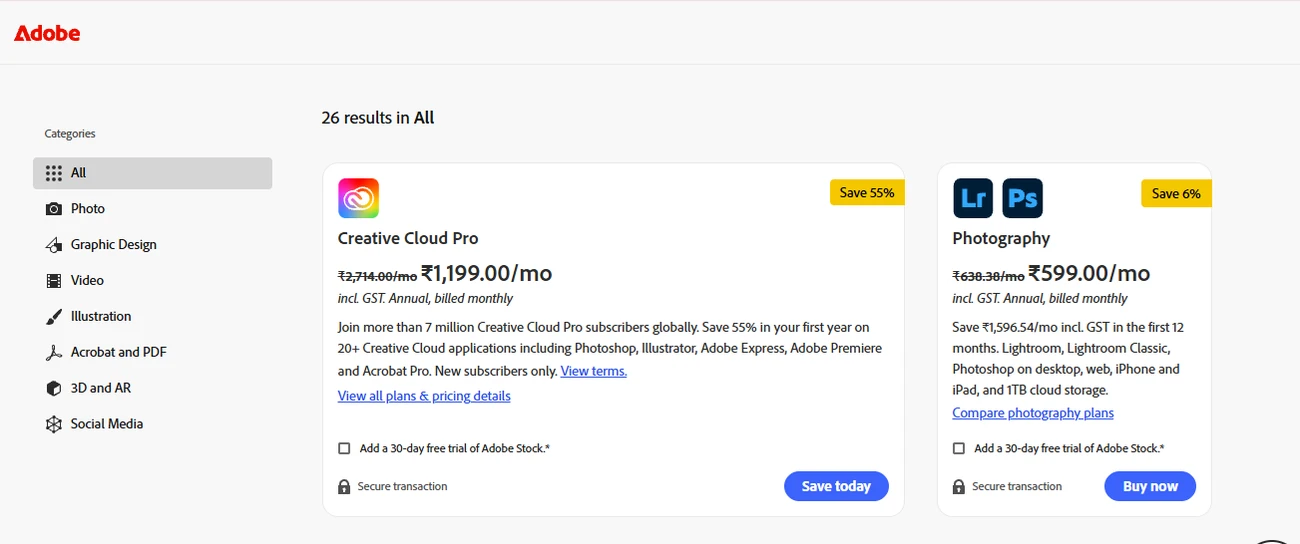
What does the Adobe Student Plan include?
- Full Creative Cloud access (It includes Photoshop, Illustrator, InDesign, Premiere Pro, and After Effects, XD, and 20+ other apps)
- 100GB cloud storage
- The same apps as the full plan (not a stripped-down version)
How to Get the Adobe Student Discount in India?
#1. Go to adobe.com/in/creativecloud/plans/student.html
#2. Select “Students and Teachers” pricing
#3. Create or log in to your Adobe ID
#4. Verify student status (accepted verification; college/university email (.ac.in. or .edu), student ID scan, or institution enrolment number.
#5. Choose an annual plan (monthly is available but significantly more expensive per year)
#6. Payment via UPI, debit/credit card, or net banking
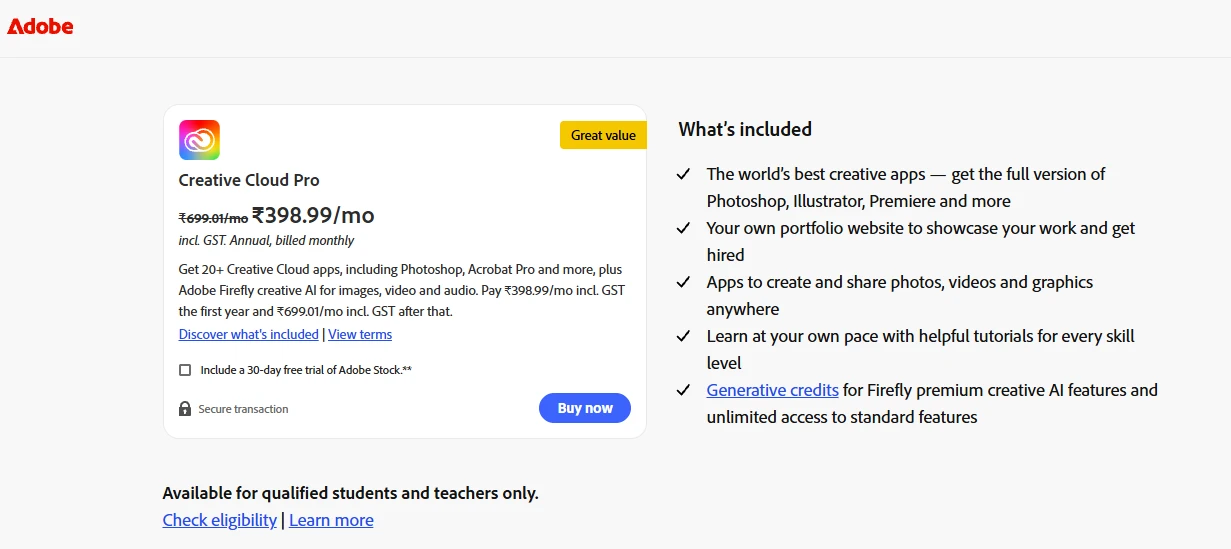
#7. Current India student pricing is Rs. 399/month. (Verify the exact current price on Adobe’s India page, as pricing updates periodically. (This is a 60%+ savings over the standard plan).
Important Catches to Know
- Student pricing needs an annual commitment. You cannot cancel mid-year without penalty.
- Verification needs to be renewed. Adobe checks eligibility at renewal.
- It is only eligible for students enrolled in accredited institutions. It is not eligible for self-taught students, bootcamp students, or freelancers.
- After graduation, it will convert to full price at renewal.
How to get Adobe at a discounted price without a student plan?
1. Adobe Express (Free-Tier plan)
It covers basic design needs, templates, and AI image generation via Firefly. There is no need for a subscription to access it.
2. GitHub Student Developer Pack
It includes Adobe Creative Cloud free for 2 years for eligible students. You can apply to education.github.com to manage it.
3. Seasonal discounts or discount coupons
Adobe often runs seasonal discounts. Before paying for any Adobe plan, check online for active Adobe India coupon codes. They list verified discounts across software subscriptions that can reduce even the already-discounted student prices
A Guide to Saving Money on Figma for Students
How to get Figma free for students in India?
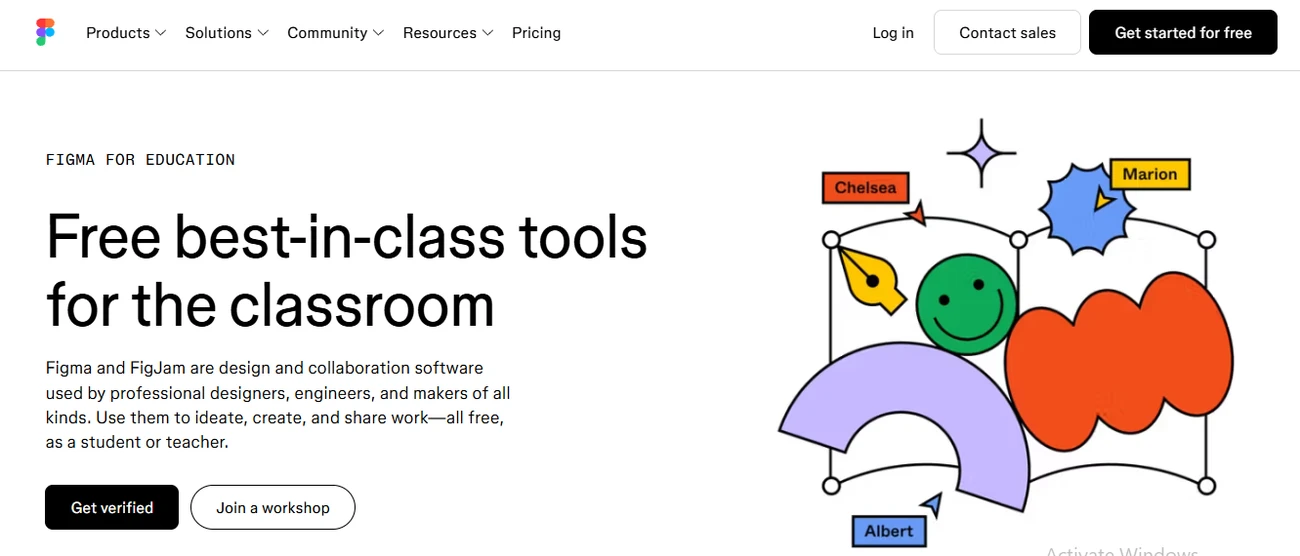
Figma’s Education plan gives full, free access to both Figma and FigJam for verified students and educators. In fact, it is the same toolkit that a paying professional user gets. It includes:
- Unlimited design files, projects, and version history.
- Full prototyping and collaboration features.
- FigJam (Whiteboard and brainstorming tool) included
- Higher-education and bootcamp students get the Professional Plan for one year from approval, and renewal while you remain eligible.
How to step-by-step apply for the Figma Student Plan?
#1. Make a free Figma account.
#2. Go to Figma.com/education and click “Apply now”.
#3. Submit your institution email (.ac.in or .edu preferred)
#4. Upload student ID or enrolment proof if needed.
#5. Approval usually comes within 24-48 hours
#6. Account upgrades automatically (no payment details required)
Important Catches to know
- The Figma Education Plan is strictly for learning and academic purposes. Any commercial or paid client work violates its Terms of Service and needs a paid plan.
- The Education plan is valid for 1 year and must be renewed annually with proof of continued enrolment.
- Personal email (Gmail, Yahoo) will not qualify because an institutional email is essential.
- No Figma coupon codes or discounts have been active over the past two years. So, the Education plan is the only meaningful savings path.
After your graduation, Figma’s Free starter plan will allow you to make up to 3 projects, adequate for a small freelance portfolio. Eventually, after you start client work, you will have to get Figma Professional at USD 15/month.
Canva Pro - Multiple Free Routes for Indian Students
How to get Canva Pro free for students in India?
#1. Canva for Education (K-12)
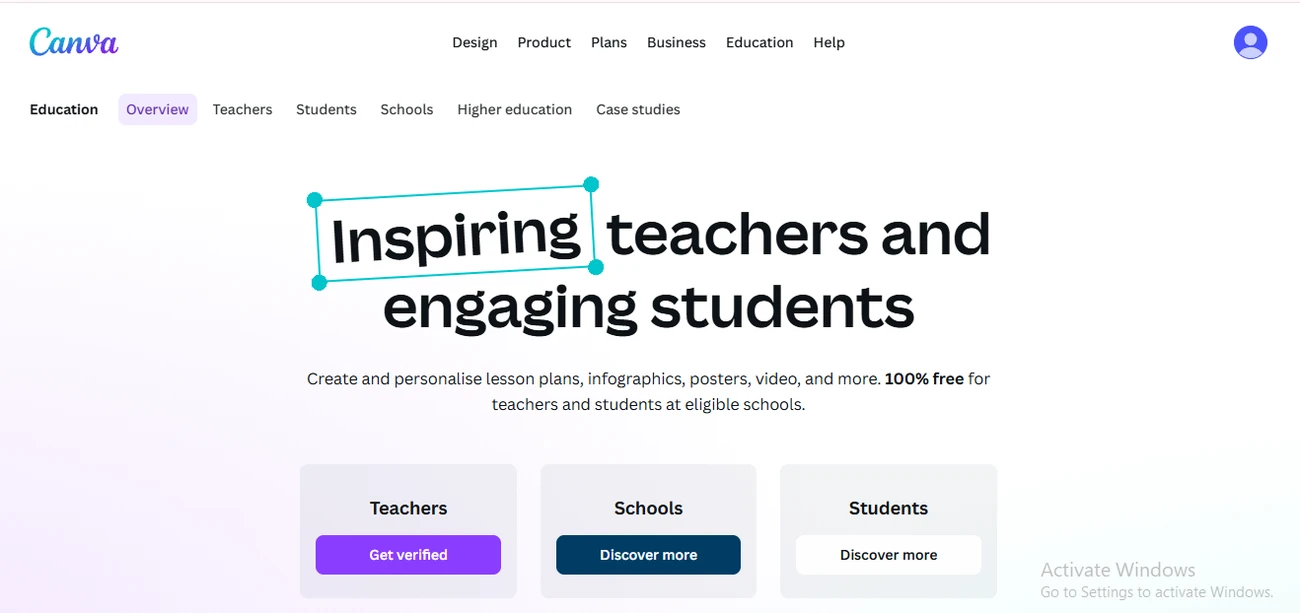
Canva for Education is available for verified K-12 teachers who can get the Canva Pro features for free. Students can join it via a class code from their teachers and get Pro access automatically. But teachers need to set up the class first. Most K-12 design programmes in India are enrolled under it.
#2. Canva for Campus (College/University)
Higher education students need their institution to be enrolled in the Canva for Campus programme. You can check if your University or institution offers Canva for Campus, which unlocks free student accounts after the school purchases adequate staff licenses. In fact, you can check with your college's IT department or design faculty; many Indian design colleges are now enrolled.
#3. Canva for Education with .ac.in Email
Students and teachers can get Canva Pro for free by signing up with their school email (.edu or .ac.in) and verifying their status. Most Indian colleges' email addresses qualify for direct verification.
If none of these apply:
- The standard 30-day free trial gives full Pro access. It is best used during a high-output period like a portfolio project sprint.
- Canva Free is genuinely usable for basic tasks like templates, presentations, and social graphics.
- Annual billing at Rs. 3,999/year (Rs. 375/effective) saves 25% vs monthly billing at Rs. 499/month.
- Check Dealsshutter for active Canva coupon codes before subscribing.
Top Free and Open-Source Alternatives Worth Knowing
Not every design student needs paid software. Some of the best professional tools are free, and learning them builds skills that transfer directly to paid tools.
Tool |
What it replaces |
Best For |
Truly Free |
GIMP |
Photoshop |
Photo editing, image manipulation |
Yes, fully |
Inkscape |
Illustrator |
Vector graphics, logo |
Yes, fully |
Krita |
Photoshop (illustration) |
Digital Illustration, concept art |
Free Tier available |
Adobe Express |
Canva/basic design |
Social graphics, quick layouts |
Free tier available |
DaVinci Resolve |
Premier Pro |
Video editing |
Free tier is professional-grade |
Blender |
After Effects (3D) |
3D modelling, motion graphics |
Yes, fully |
Learn GIMP before Photoshop, or Inkscape before Illustrator. It will not waste your time. Instead, it will enable you to get better at the basics of layers, nodes, paths, and color theory transfer. Many professional designers in India use a mix of open-source and paid tools depending on the project.
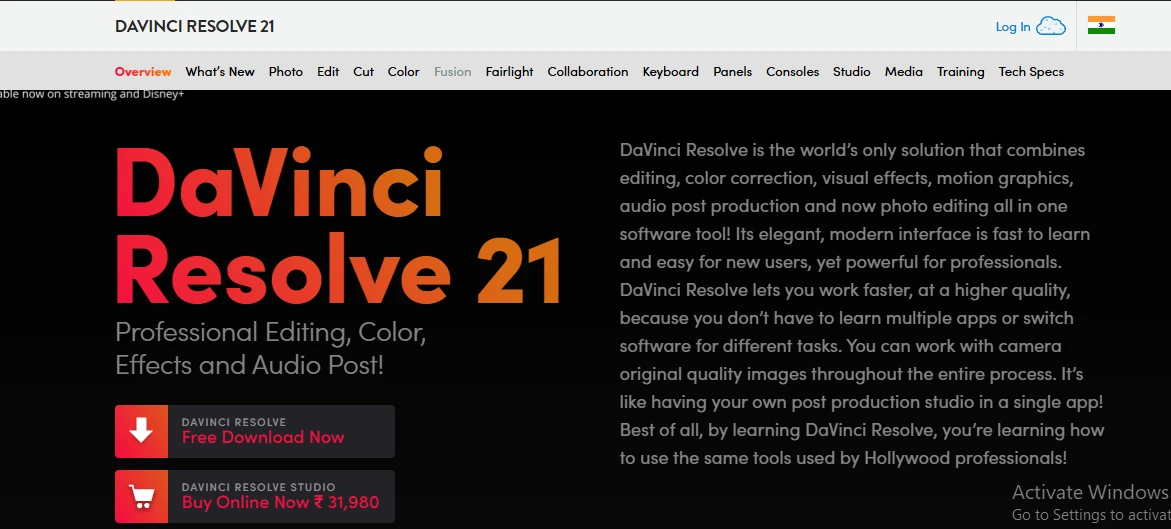
In fact, DaVinci Resolve’s free version is more powerful than most students realise. It is often used professionally in Indian film post-production, and it's completely free for all non-studio features.
The GitHub Student Developer Pack
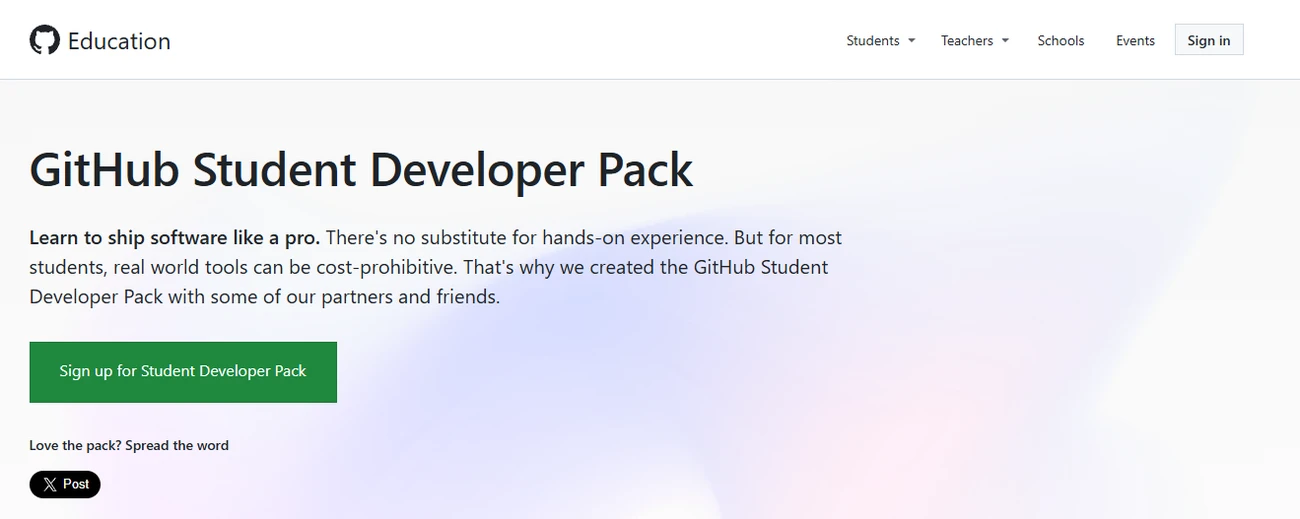
The GitHub Student Developer Pack is one of the most valuable free resources available to any student in India who does not know about it, and most don’t.
What is relevant to design students in the pack:
- Free access to many premium design and development tools
- Figma Professional (in some cohorts, check the current inclusions)
- Canva Pro credits in past years (check current status)
- Domain names, cloud credits, and developer tools
How to apply for a GitHub Student Developer Pack?
- Create a GitHub account at github.com
- Go to education.github.com/pack
- Apply your institution's email and student ID
- Approval usually comes within 1-7 days
- Access the pack and active individual tools from the dashboard
P.S. The pack is updated regularly, where tools come and go. So, always check the current pack contents before applying to know exactly what you are getting.
How to Get Adobe, Figma, and Canva Pro After Graduation?
After the student plan ends, most students do not think about it until their Photoshop stops working. So, take a look at how it works after graduation:
Tool |
What happens at graduation |
What to do |
Adobe Creative Cloud |
Converts to full price at next renewal |
Set a reminder 30 days before renewal and explore a freelance/individual plan. Otherwise, shift to affinity. |
Figma |
Education plan expires; reverts to free starter (3 projects) |
Export all files; upgrade to professional when client work starts |
Canva |
Education access ends; reverts to free |
Switch to annual Pro if you use it regularly, check DealsShutter for a coupon |
GitHub Student Pack |
Expires on graduation verification |
Download everything you need before it lapses |
The smart post-graduation toolkit:
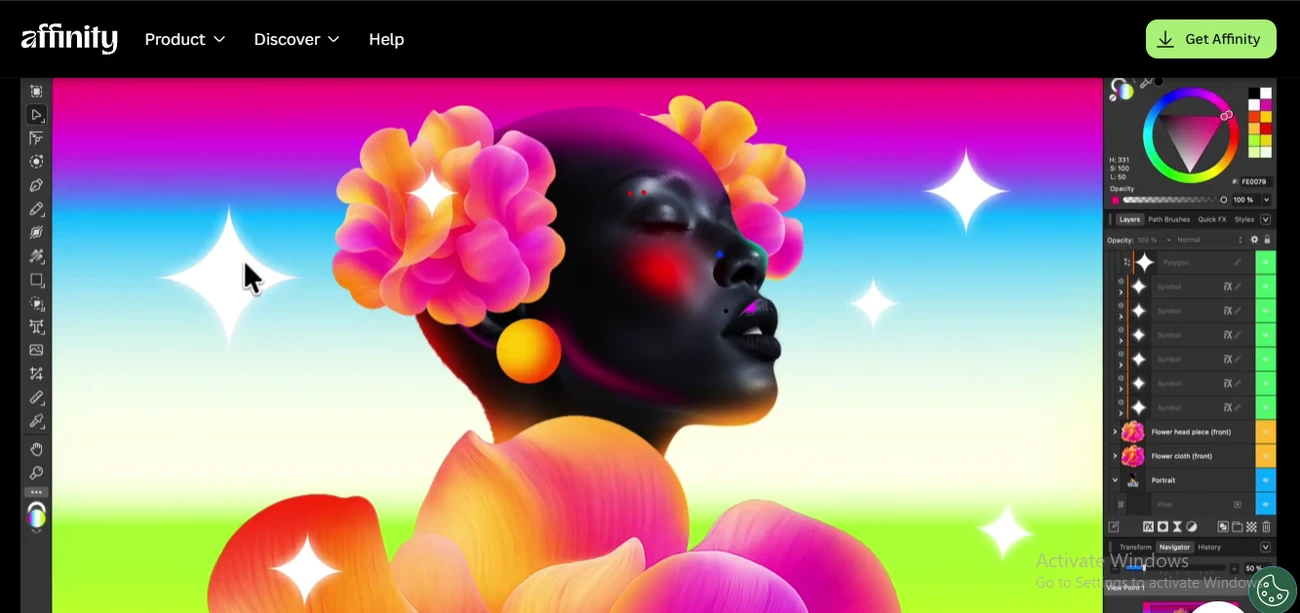
#1. Affinity Designer+ Affinity Photo: It is completely free with no subscription. Overall, it is the best professional-grade Illustrator and Photoshop replacement.
#2. Figma Free Tier: Adequate for 1-3 ongoing client projects
#3. Canva Pro annual: Rs. 3,999/- with a coupon code.
Mistakes to Avoid When Getting Design Software
This article exists because a lot of design students in India switch to cracked software for Adobe, Figma, or Canva for free. There are real reasons to avoid it and here are the possible impacts, beyond the moral arguments:
#1. Malware risk is real
Cracked Adobe installers can often create a path for keyloggers or ransomware on your device. In turn, your portfolio files, client work, and personal data could be at high risk.
#2. Account bans are permanent
Adobe’s activation servers flag suspicious installs. A banned Adobe ID cannot be recovered. So, every file saved in Creative Cloud is locked.
#3. Portfolio credibility
Employers at serious studios often ask which tools you use and how you learned them. “I downloaded a crack” is not a conversation anyone wants to have in an interview.
Frequently Asked Questions
1. Is Canva free for students in India?
Yes, Canva is 100% free for primary and secondary (k-120 students. College and university students can use Canva. Otherwise, they can ask their school if they offer a premium. For this purpose, your teacher must create a Canva Education account and invite you. In fact, you can even ask your college or IT department if they have a “Canva for Campus” plan.
2. Are Canva elements copyright-free?
Yes, Canva elements are covered by a specific commercial license rather than being entirely " copyright-free”. You can use them for personal and commercial projects, but you cannot claim ownership of the individual elements, trademark your designs, or sell them. But you cannot sell or distribute Canva elements as a standalone.
3. Can I sell designs I make with Canva Pro?
Yes, you can sell designs made with Canva Pro. However, they should be designed from scratch. You cannot sell or resell Canva’s pre-made templates as-is. You also cannot sell an individual image or graphic by itself. Your new design must combine graphics, text, and other elements to be unique.
4. What are the limitations of Canva Free?
Canva Free is a great starting point, but it limits you to 5GB of storage. In turn, it restricts premium AI features (only 200 standard uses per month) and locks advanced downloads like transparent PNGs, vector SVGs, and Magic Resize. You also cannot upload your own fonts.
To Sum Up
You do not need to rely on unreliable websites to access professional tools. Many programs are available for free with an institutional email address or through special student offers. When your student plans eventually expire and you begin building your professional toolkit, you can transition to budget-friendly alternatives or utilize discount coupon codes to avoid paying full retail prices. Building the habit of purchasing software legitimately is a vital part of establishing a professional identity, and that commitment should start on the very first day of design school.
Now that you know how to get the tools, want to know how to get the most use out of them? Explore AND Academy’s online Graphic Design courses to learn how to go beyond the software and learn how to create actual strategy using design principles. Talk to our course advisors today for more information!
This blog was authored by Tarundeep Singh for Dealsshutter.
Note: All information and/or data from external sources is believed to be accurate as of the date of publication.